Sandbox Exercise - Attachments
Some changes have been made to help make locating attachments on a client easier.
Be sure to take the Essentials course which includes a lesson on Attachments before walking through the following exercise..
This exercise is for training purposes, and is intended for use in your sandbox environment.
-
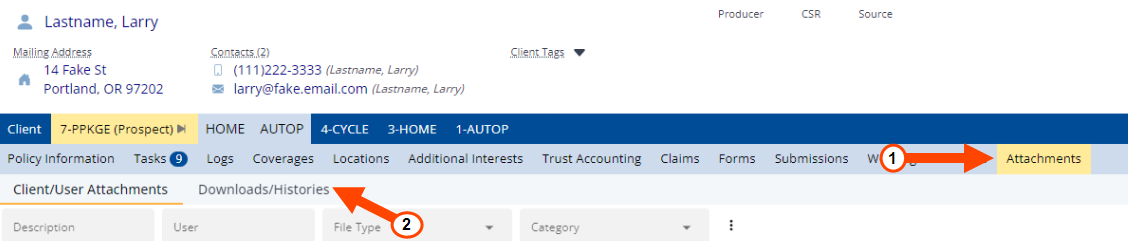
Click on the Attachments tab from the Client tab or a policy tab on a client.
-
At the top of the Attachments tab, note that you can view two different types of attachments:
Client/User Attachments: Contains attachments that users have either manually attached to the client file, or that were created when printing/attaching documents such as letters and ACORD forms.
Downloads/Histories: Contains carrier download attachments and policy histories/snapshots created when updating client information.
Congratulations! You've learned how attachments on the client were split up to make locating specific attachments easier, and you've completed the Attachments exercise.
For more information about Attachments, and how your agency can use them, see Attachments Overview.
 Related Topics